Spin plain text prompts into adult art
Soulgen
Soulgen is the NSFW image generator I reach for when I want to edit a picture rather than just roll prompts and hope. I typed a text prompt, picked between realistic and anime styles, and got a high-resolution character — then used inpainting to fix a detail, outpainting to widen the frame and the pose and outfit controls to steer the result exactly where I pictured it. That editing depth, working on web and Android, is why it earns a 9.1 from me and stands out from one-and-done tools. The honest catches: there is no true free generation, so you are on credits from the start, and like most generators it occasionally throws an anatomy glitch that needs a re-roll or a quick inpaint.
Editor’s note: One of the most capable NSFW editors you can grab today.
The essentials
Soulgen at a glance
- Founded
- 2023
- Our score
- 9.1/10
- Starting price
- $7.58/mo
- Free plan
- No
- Platforms
- Web, Android
- Subscription
- Paid & Freemium
- Billing
- Monthly subscription · Buy credits
- Payment
- Credit card, Crypto
- Best for
- AI sex generator
What it does
Soulgen features

Text-to-image in two styles
Soulgen builds a character from a straightforward text prompt and lets you choose between realistic and anime styles up front, so you can chase a photo-real look or a stylized one from a single tool rather than juggling two. In my testing the output came back at high resolution, which keeps detail crisp whichever aesthetic you pick — the realism holds up and the anime lines stay clean. Working on both web and Android, it is also more flexible than the many generators pinned to desktop. The one thing to know going in: there is no true free generation, so the moment you type that first prompt you are already spending credits, which shapes how experimental you can afford to be.
Try Soulgen →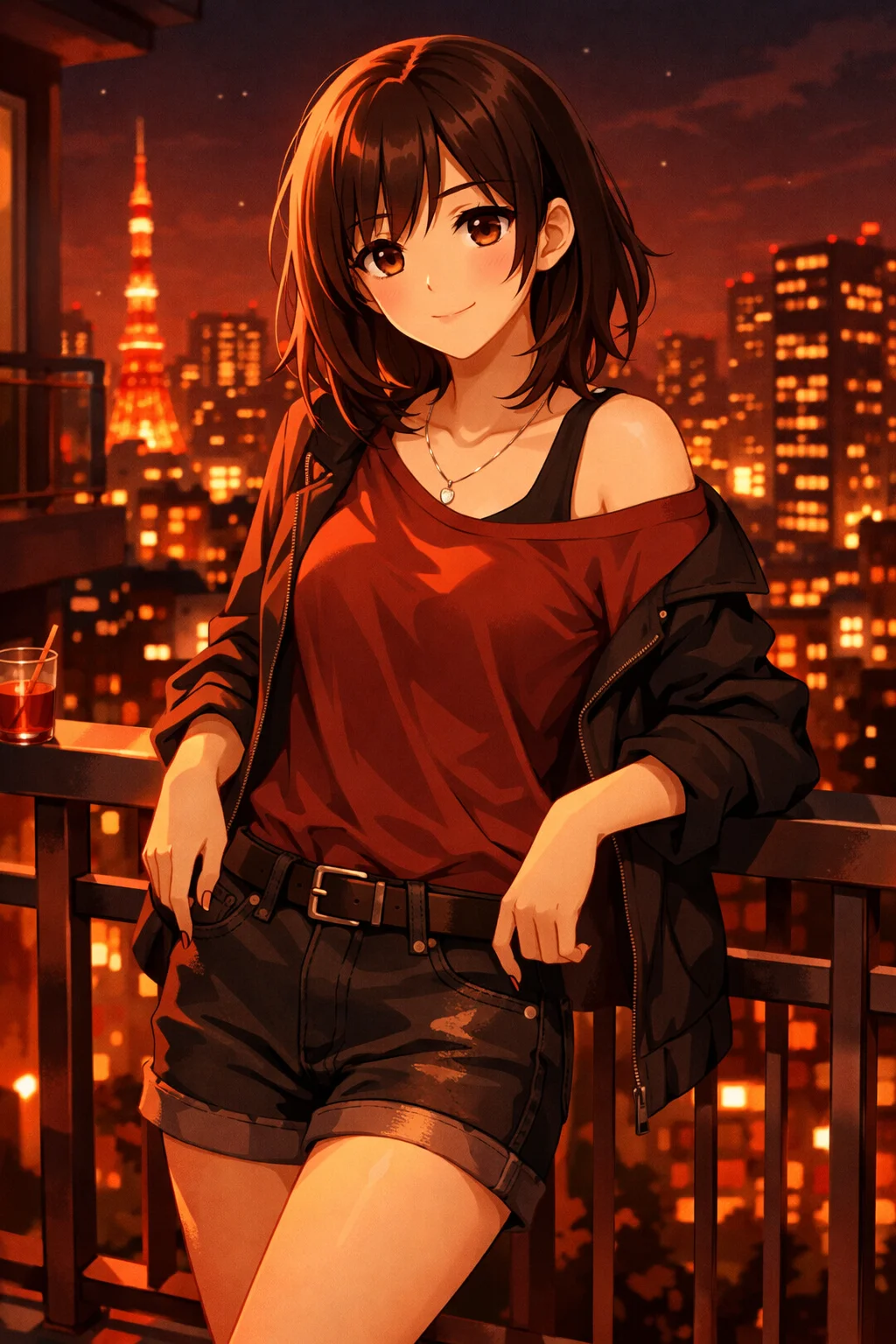
Inpainting and outpainting
This is the feature that made Soulgen my pick when I want to edit a picture rather than just roll prompts and hope. Instead of living with whatever the first pass hands you, inpainting lets you fix or swap a specific part of an image — a hand, a detail, an outfit element — while outpainting widens the frame to reveal more of the scene. That turns the workflow into an editing suite rather than a slot machine, and it is the main reason Soulgen earns a 9.1 from me and stands out from one-and-done tools. It also has a practical payoff: when the model throws the occasional anatomy glitch, a quick inpaint fixes it without discarding an otherwise good render.
Try Soulgen →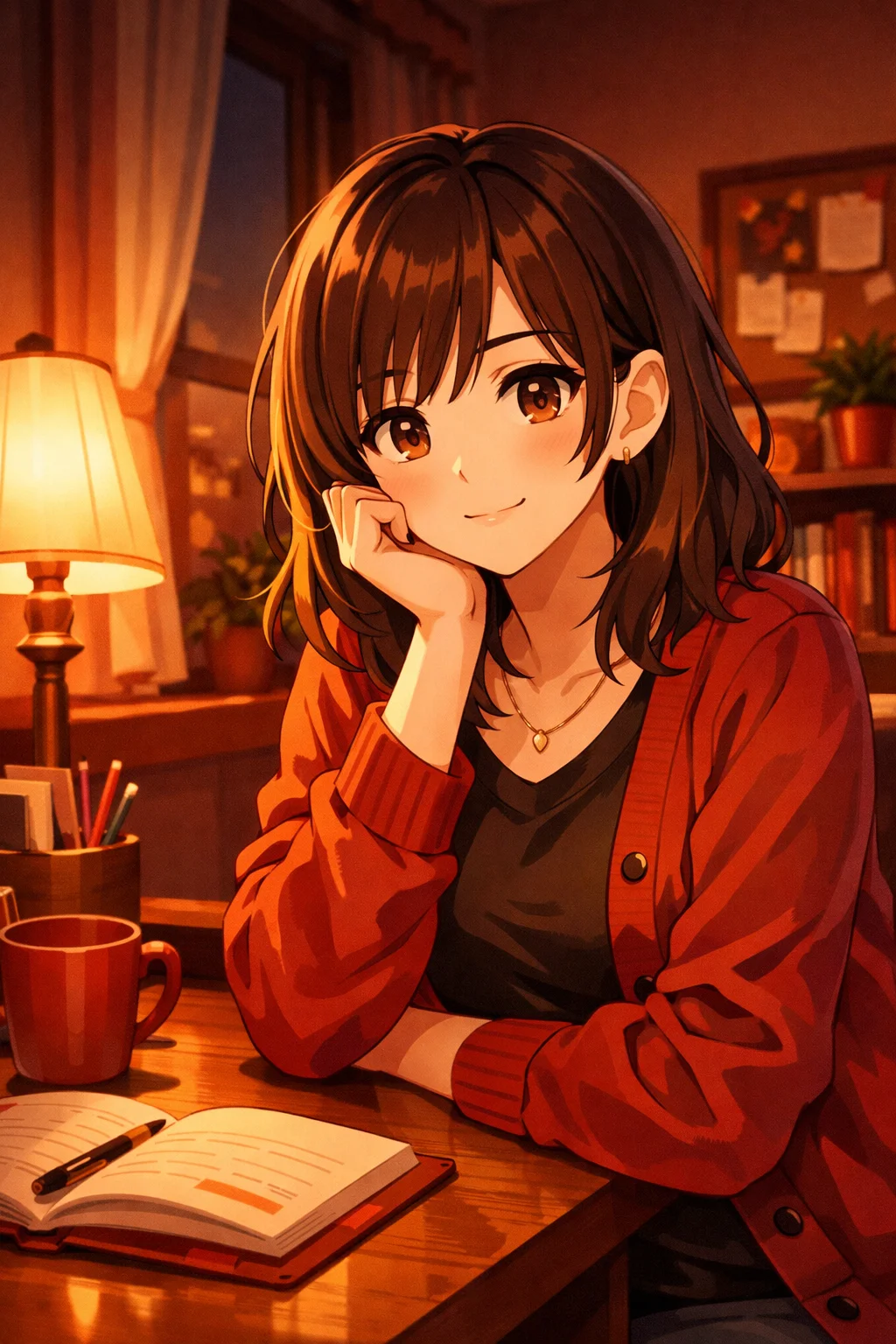
Pose and outfit control
Beyond fixing an image, Soulgen lets you take an existing picture and lock in pose and outfit, giving you the creative reach prompt-only generators simply lack. It is the difference between accepting a result and steering one: rather than re-rolling the prompt and praying, you direct where the character stands, how she is posed and what she wears, then iterate until it matches what you actually pictured. For serious image creators that control is the whole appeal. The trade-off is the same one that runs through the app — every edit, like every generation, draws on credits you buy alongside a subscription, so heavy iteration has a running cost you feel over a long session.
Try Soulgen →Plans & pricing
Soulgen pricing
Pro (Monthly)
$12.99/mo
- 100 credits a month
- Watermark-free, high-res downloads
- Inpainting, outpainting and pose control
- Priority queue, up to 9 variations
Pro (Annual)
$7.58/mo
billed $90.99/year
- Everything in Pro
- Best per-month price (~42% off)
- Same 100 credits a month
- Full editing toolkit unlocked
Both tiers include 100 credits a month; a standard image costs 1 credit, outpainting runs 2–3, and short video clips cost more, so heavy use means buying extra credit packs. There is a token drip of roughly a credit a day to sample the tool, but no real free generation tier.
Prices are set by Soulgen and may change — check the site for the latest.
Soulgen review
Soulgen treats NSFW imagery like an editing suite rather than a slot machine, and that is its greatest asset. Generating a character from a prompt is just the opening move — the inpainting, outpainting and pose tools let you iterate until the picture lands where you actually pictured it. For creators who value control, that workflow is a real step up.
Backing both realistic and anime styles widens its appeal, and the high-resolution output holds detail nicely across both. Living on web and Android also makes it more flexible than the many image tools stuck on desktop alone. All of it earns Soulgen a strong 9.1 from us.
It is not flawless. There is no true free generation, so you are paying or spending credits from the get-go, and like most NSFW generators it now and then throws out anatomy glitches that call for a re-roll or a quick inpaint. For serious image creators, those are small prices against a genuinely powerful toolset.
How does Soulgen work?
Soulgen works in the browser and via an Android app. You type a prompt describing the character you want, pick a realistic or anime style, and the model builds an image; from there you can edit it with inpainting, outpainting and pose or outfit controls.
Editing tools act on the generated image directly, so you can mend a detail, widen the frame or change an outfit without starting over. Generations and edits draw on credits that you buy alongside a subscription.
How to sign up for Soulgen & subscribe
- Head to the Soulgen website or install the Android app.
- Create an account and pick a realistic or anime style.
- Type a text prompt spelling out the character you want to create.
- Reach for inpainting, outpainting and pose controls to polish the result.
- Subscribe and buy credits to open up more generations and editing.
- Save or download your finished images straight from your account.
Our verdict on Soulgen
Soulgen is the tool to grab when you want to create and finely edit NSFW art rather than merely roll prompts. Its inpainting, outpainting and pose control, spanning both realistic and anime styles, make it one of the most capable image editors in the category.
If you only want casual, occasional pictures or expect free generation, the pay-from-the-start model will not suit you. But for creators who value editing depth and high-resolution output, Soulgen is an easy recommendation.
Compare
How Soulgen compares
Soulgen ranked against the alternatives we rate in the same space — by score, price and what each does best.




Swipe to compare
Community
What users say about Soulgen
Image-generation communities single Soulgen out for its editing depth rather than raw prompting, with users praising inpainting and pose control while grumbling about the pay-from-the-start pricing.
Users like
- Inpainting and outpainting for fixing and extending images
- Both realistic and anime styles from one tool
- High-resolution output that holds detail
- Pose and outfit control that beats prompt-only tools
Common complaints
- No true free generation — you spend credits from the start
- Occasional anatomy glitches that need a re-roll or inpaint
“The inpainting is what sold me — I can fix a bad hand instead of throwing away a picture I otherwise love.”
“Great for both anime and realistic, but there is no free tier so be ready to buy credits before you see anything.”
“Pose and outfit editing gives you way more control than the prompt-and-pray generators out there.”
Aggregated from public app-store ratings, community forums and social discussion. Highlights are representative and paraphrased, not individual endorsements.
Answers
Soulgen FAQ
01Is Soulgen free?
No. Soulgen is a paid tool from roughly $9.99/mo, and both generations and edits run on credits. There is no genuine free generation tier.
02Does Soulgen make explicit NSFW images?
Yes. Soulgen is made for adult content and renders explicit realistic and anime-style images straight from text prompts.
03Can I keep editing images once they are generated?
Yes. Soulgen packs inpainting, outpainting and pose and outfit controls so you can refine or extend an image rather than accept the first render.
04Which platforms does Soulgen support?
Soulgen runs in any current web browser and has an Android app. There is no dedicated iOS app right now.
9.1/10Ready to try Soulgen?
Plans from $7.58/mo. See why we scored Soulgen 9.1/10.
Visit Soulgen →18+ only